
How do I get AI actually saving my team time?
Most small and medium-sized businesses already pay for AI tools like Copilot and barely use them. EquaProtect sets up practical, everyday automations on the Microsoft 365 tools you already have — so your team gets the time back, not another tool to learn from scratch.
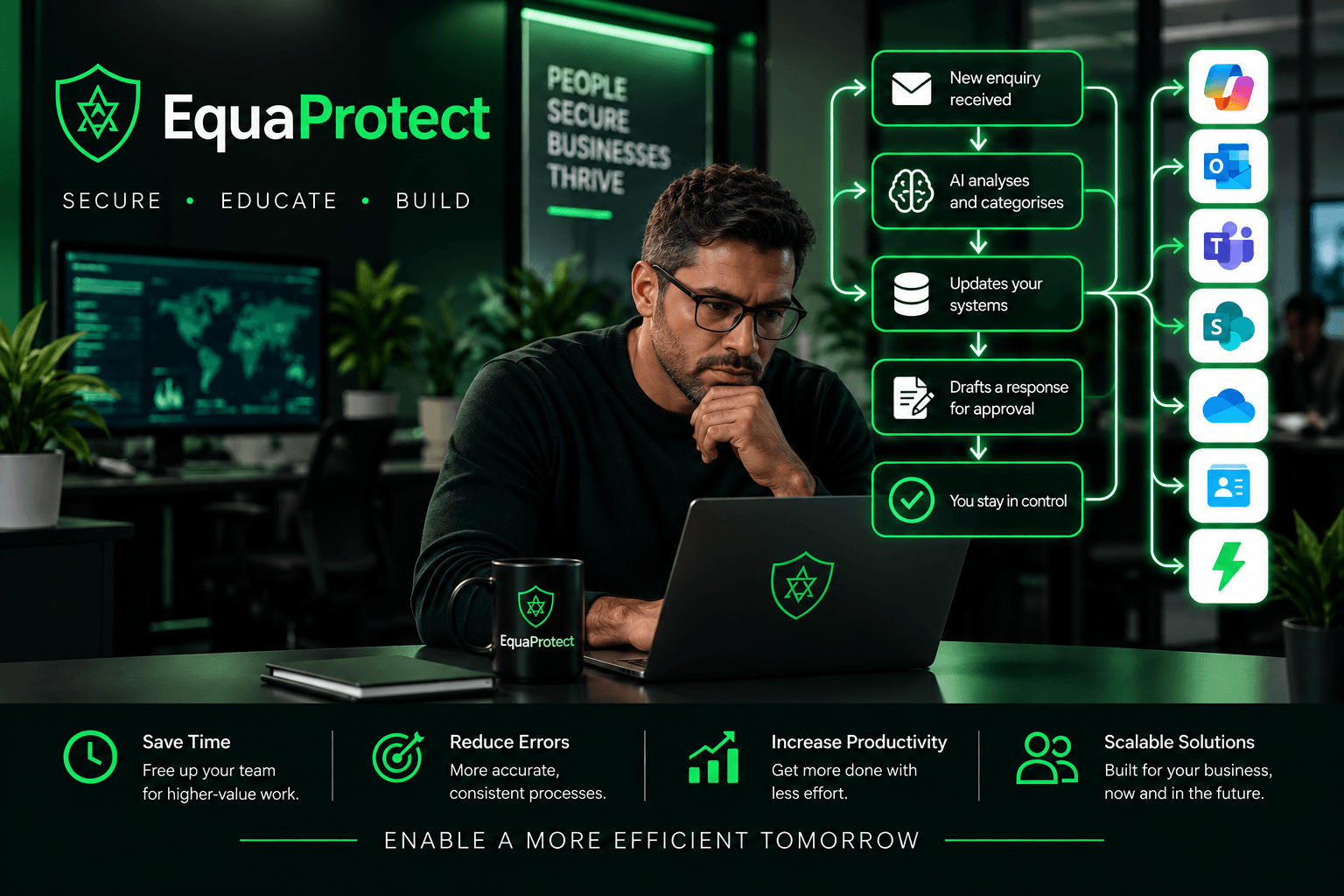
What we set up
EquaProtect sets up practical AI automations for small and medium-sized businesses using the Microsoft 365 and Copilot tools you already have — no new platform to learn.
Email triage
Copilot in Outlook set up to sort, summarise, and draft replies to the everyday flood of email.
- Priority inbox rules so urgent messages don't get buried
- AI-drafted first-pass replies for common requests
- Daily or weekly inbox summaries
Meeting summaries
Meeting recaps and action items pushed straight to Teams or SharePoint, so nothing gets lost after the call.
- Automatic meeting notes and summaries
- Action items shared with the right people automatically
- A searchable record of decisions, without manual note-taking
Spreadsheet reporting
AI-assisted Excel workflows that turn raw data into a report without a manual rebuild every time.
- Recurring reports built once and refreshed automatically
- AI-assisted formulas and data summaries
- Dashboards that update without spreadsheet wrangling
Newsletter drafting
A repeatable workflow for turning your updates into a newsletter or customer email, without starting from a blank page.
- AI-drafted first passes based on your usual content
- A consistent template your team can reuse
- Less time spent writing, more time spent reviewing
Train your team first
Automation works best when your team already knows how to use AI well and safely. EquaProtect Academy's AI Productivity & Automation track covers Copilot, Teams recaps, spreadsheets, and simple automations — the everyday skills that make a setup like this stick.
Explore Academy Track 3Frequently asked questions
Is our data safe?
Yes — automations run inside your existing Microsoft 365 environment, using your organisation's own permissions and data boundaries. We don't move your data to a separate platform or third-party AI tool.
Do we need Copilot licences?
Some automations rely on Microsoft 365 Copilot, others don't. We'll review what you already have during onboarding and tell you plainly if a licence would unlock more value — we won't sell you one you don't need.
How long does setup take?
It depends on the automation and how your systems are currently set up. Simple ones, like email triage or meeting recaps, can often be live within days. We'll give you a clear timeline before starting.
How is it priced?
Priced per project, based on the automations you need.
Will this replace our staff's judgement?
No — these automations handle the repetitive first pass, like drafting or summarising, so your team can review and decide faster. A person stays in the loop for anything that matters.
Do we need our team trained on AI first?
Not required, but it helps. EquaProtect Academy's AI Productivity & Automation track covers the everyday skills that make an automation setup like this stick with your team.
Get a quote for AI automation
Tell us what's eating up your team's time, and we'll follow up with which automations would help most and a quote to set them up.